
If you’ve ever wondered what makes your favorite shows stream smoothly to your screen, you’re about to find out. IPTV servers are the backbone of modern streaming, and understanding how they work can help you make smarter choices about your entertainment setup. As of 2026, the technology behind these servers has evolved dramatically, offering better reliability and performance than ever before.
Here’s the thing: not all IPTV servers are created equal. Some deliver crystal-clear streams with zero buffering, while others leave you staring at that frustrating loading circle. Let’s break down everything you need to know about IPTV servers so you can enjoy uninterrupted streaming.
What Are IPTV Servers and How Do They Work?
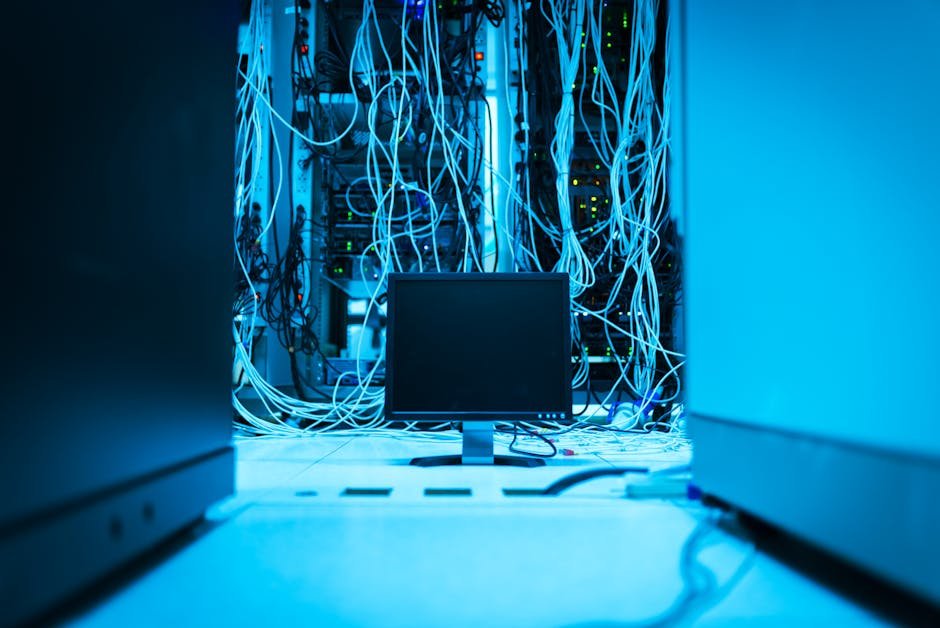
Think of IPTV servers as digital warehouses that store and deliver television content over the internet. Instead of receiving broadcasts through traditional cable or satellite signals, your device connects to these servers to stream content on demand. The process happens in real-time, which is why server quality matters so much.
When you click play on your favorite channel, your request travels to the IPTV servers, which then send the video data back to your device in small packets. This happens continuously, creating what appears to be a seamless stream. The server’s job is to compress, encode, and deliver this content efficiently without interruption.
The Technical Infrastructure Behind Modern Streaming
Today’s IPTV servers utilize sophisticated content delivery networks (CDNs) that distribute data across multiple locations. This means if one server experiences heavy traffic, your stream automatically connects to another nearby server. It’s like having multiple roads to your destination—if one’s congested, you take another route.
The infrastructure typically includes:
- Origin servers that store the original content files
- Edge servers positioned closer to end-users for faster delivery
- Transcoding systems that convert videos into multiple formats
- Load balancers that distribute traffic evenly across servers
- Redundant backup systems to prevent downtime
Why IPTV Server Quality Makes or Breaks Your Experience
You know that moment when you’re watching a crucial sports game and the stream freezes right at the winning goal? That’s usually a server issue. The quality of IPTV servers directly impacts your viewing experience in ways you might not realize.
Server performance affects streaming in several key areas. First, there’s bandwidth capacity—high-quality servers can handle thousands of simultaneous connections without slowing down. Then there’s latency, which determines how quickly the stream reaches your device. Lower latency means less delay and smoother playback.
What surprises most people is that server location matters tremendously. A server halfway across the world will always perform slower than one in your region, regardless of how powerful it is. That’s why providers like those listed on IPTV Smarters Pro Services emphasize geographical server distribution.
Choosing the Right IPTV Servers for Your Needs
Not everyone needs the same server setup. A single viewer watching occasional shows has different requirements than a family streaming on multiple devices simultaneously. Here’s how to figure out what you actually need.
Key Factors to Consider in 2026
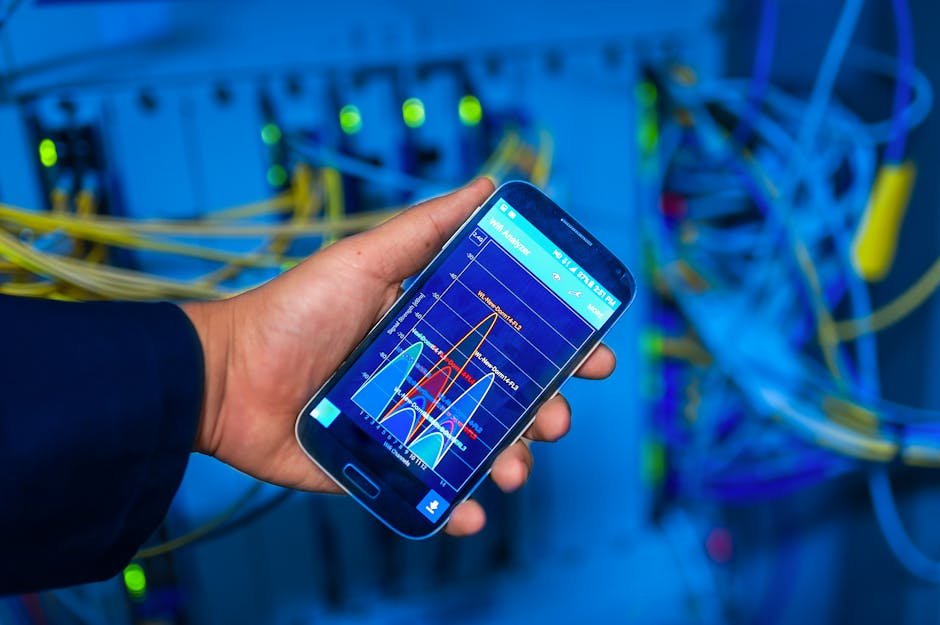
When evaluating IPTV servers, you’ll want to look at several critical specifications. Server uptime is probably the most important—anything below 99.5% means you’ll experience regular interruptions. Connection speed matters too, especially if you’re streaming in 4K or planning to use multiple devices.
| Server Feature | Basic User | Power User | Multiple Devices |
|---|---|---|---|
| Minimum Uptime | 99% | 99.5% | 99.9% |
| Bandwidth per Stream | 5 Mbps | 25 Mbps | 50+ Mbps |
| Server Locations | 1-2 regions | 3-5 regions | Global coverage |
| Concurrent Connections | 1-2 | 3-5 | 5-10+ |
| DVR Functionality | Optional | Recommended | Essential |
If you’re testing a service, try using an M3U Subscription Checker to verify the server connections are active and responsive before committing to a long-term subscription.
Common IPTV Server Problems and How to Fix Them
Even the best IPTV servers encounter issues occasionally. The difference is how quickly problems get resolved and whether you know how to troubleshoot basic issues yourself.
Buffering is the most common complaint, and it’s not always the server’s fault. Sometimes your home network is the bottleneck. Try these steps when you experience buffering:
- Check your internet speed—you need at least 10 Mbps for HD streaming
- Restart your router to clear any network congestion
- Connect your device via Ethernet instead of WiFi if possible
- Clear your device’s cache and temporary files
- Switch to a different server location if your provider offers multiple options
Connection drops are another frustration. This usually happens when servers undergo maintenance or experience unexpected traffic spikes. Quality providers schedule maintenance during off-peak hours and notify users in advance. If you’re experiencing frequent drops without notification, that’s a red flag about server reliability.
The Future of IPTV Servers: What’s Coming Next
Technology never stands still, and IPTV servers are evolving rapidly. In 2026, we’re seeing several exciting developments that’ll make streaming even better.
Artificial intelligence is being integrated into server management, predicting traffic patterns and automatically scaling resources before congestion occurs. This means fewer interruptions during popular events when everyone’s streaming simultaneously.
Edge computing is pushing content even closer to users. Instead of content living in centralized data centers, it’s being cached on local servers in your neighborhood. This reduces latency to almost imperceptible levels—we’re talking milliseconds instead of seconds.
Security Considerations for IPTV Servers
Here’s something that doesn’t get discussed enough: server security matters for your privacy and data protection. When you connect to IPTV servers, you’re sharing information about what you watch and when you watch it.
Reputable servers use encryption to protect your data during transmission. Look for providers that implement SSL/TLS certificates and don’t log your viewing habits unnecessarily. If a service seems too cheap or doesn’t mention security measures, that’s worth questioning.
You should also verify that the IPTV Servers you’re considering have proper DDoS protection. Distributed denial-of-service attacks can take down servers entirely, leaving you without service for hours or even days.
Making the Most of Your IPTV Server Connection
Once you’ve got reliable IPTV servers, a few simple optimizations can improve your experience even further. Your home network setup plays a huge role in how well streams perform, even if the server is top-notch.
Consider upgrading to a modern router that supports Quality of Service (QoS) settings. This lets you prioritize streaming traffic over other internet activities. When someone in your house downloads a large file, your stream won’t suffer because the router knows to give it priority.
Wired connections always outperform WiFi for streaming. If running an Ethernet cable isn’t practical, try powerline adapters that use your home’s electrical wiring to extend your network. They’re not as fast as direct Ethernet, but they’re much more stable than WiFi.
If you’re managing multiple services or setting up IPTV professionally, check out the various IPTV Templates available that can streamline your configuration process.
Evaluating Server Performance Metrics
How do you know if your IPTV servers are performing well? There are specific metrics you can monitor to assess quality objectively rather than just relying on how things feel.
Start-up time measures how quickly a stream begins playing after you select a channel. Quality servers should deliver video within 2-3 seconds. Anything longer suggests server overload or poor optimization.
Resolution stability is another key indicator. Your stream should maintain consistent quality throughout playback. If it frequently drops from HD to SD or shows pixelation, the server might not have sufficient bandwidth allocated to your connection.
For technical users, packet loss is the ultimate test. Even 1-2% packet loss can cause noticeable degradation in stream quality. Tools like ping tests and traceroutes can help identify whether problems originate from the server, your ISP, or somewhere in between.
Getting Support When Server Issues Arise
No matter how reliable your IPTV servers are, you’ll eventually need support. The quality of customer service often separates good providers from great ones.
Before subscribing, test the support channels. Send a pre-sales question and see how quickly and helpfully they respond. If they’re slow or unhelpful before you’re a customer, they’ll likely be worse afterward.
Quality providers offer multiple contact methods—live chat, email, phone, and sometimes even social media support. They should also maintain detailed documentation and troubleshooting guides so you can solve simple issues yourself without waiting for assistance.
If you have specific questions about server infrastructure or need customized solutions, don’t hesitate to Contact Us for expert guidance tailored to your situation.
Real-World Server Performance: A 2026 Case Study
Let’s look at a practical example. A medium-sized household with four family members wanted reliable streaming across three simultaneous devices. They initially chose a budget provider with limited server infrastructure.
The result? Constant buffering during peak evening hours, especially on weekends. After switching to a provider with distributed IPTV servers across multiple regions and higher bandwidth allocation, their issues disappeared completely. The cost difference was about $5 per month—well worth it for the hassle-free experience.
This illustrates an important point: the cheapest option rarely delivers the best value. Server infrastructure costs money to maintain, and providers cutting corners on servers will inevitably deliver inferior performance.
Your Next Steps Toward Better Streaming
Understanding IPTV servers isn’t just technical knowledge—it’s practical information that helps you make smarter entertainment choices. Now that you know what separates reliable servers from problematic ones, you can evaluate providers with confidence.
Start by assessing your actual needs. How many devices will stream simultaneously? What resolution do you typically watch? Do you need international content that requires servers in multiple regions? Answering these questions helps you match your requirements to the right server infrastructure.
Don’t be afraid to test multiple providers. Many offer trial periods specifically so you can evaluate server performance under real-world conditions. Pay attention during these trials—note when problems occur and how responsive support is when you report issues.
Remember that IPTV servers are constantly evolving. What works well today might need reassessment in six months as your needs change or as technology improves. Stay informed, and don’t settle for subpar performance when better options exist. For more resources and insights into optimizing your streaming setup, explore the tools and information available at IPTV Suppliers.